See which products AI recommends.Know what to improve.
Your customers are asking AI what to buy. See whether your products make the shortlist, who appears alongside them, and what AI gets right or wrong about your catalog.
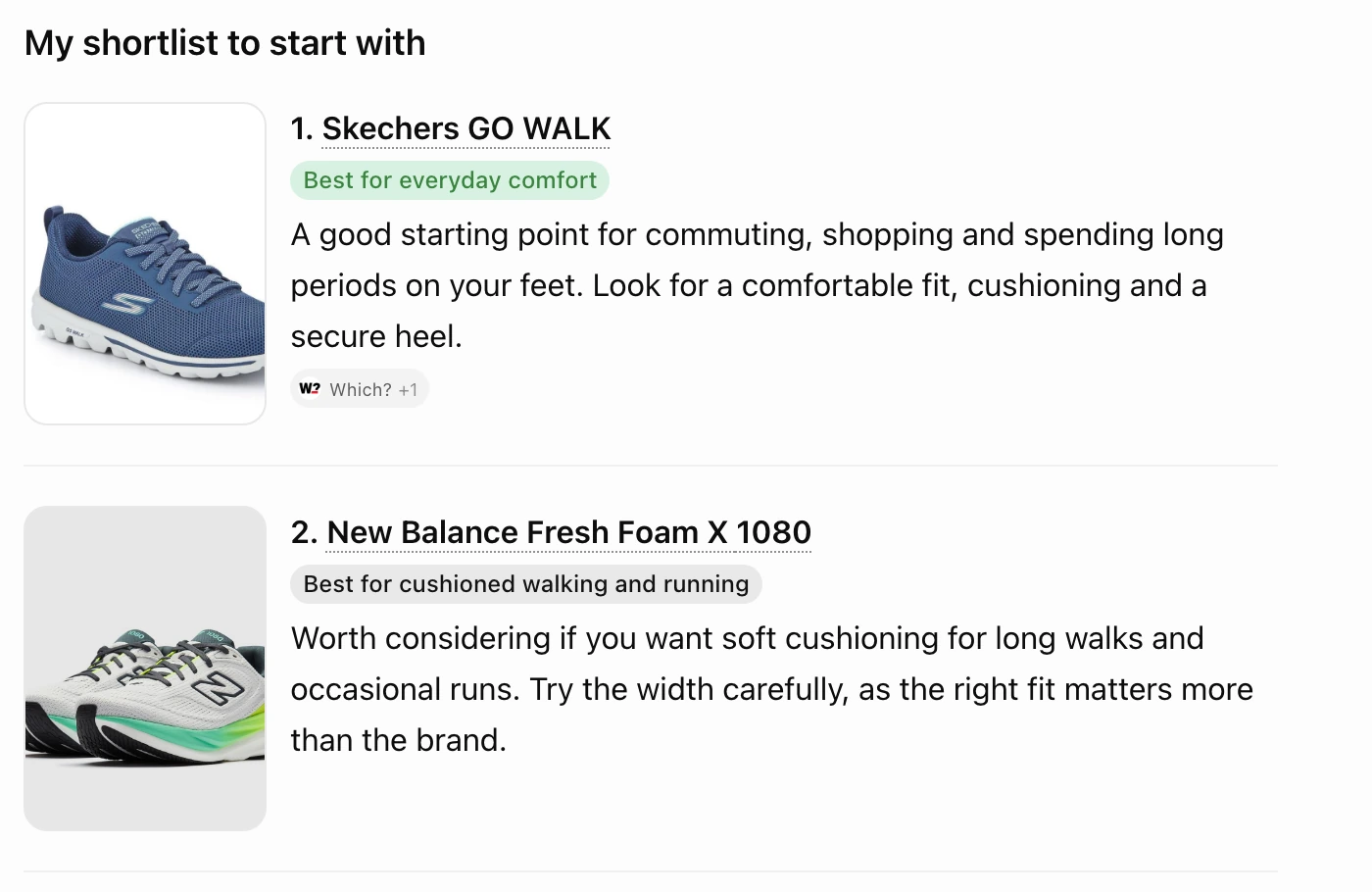
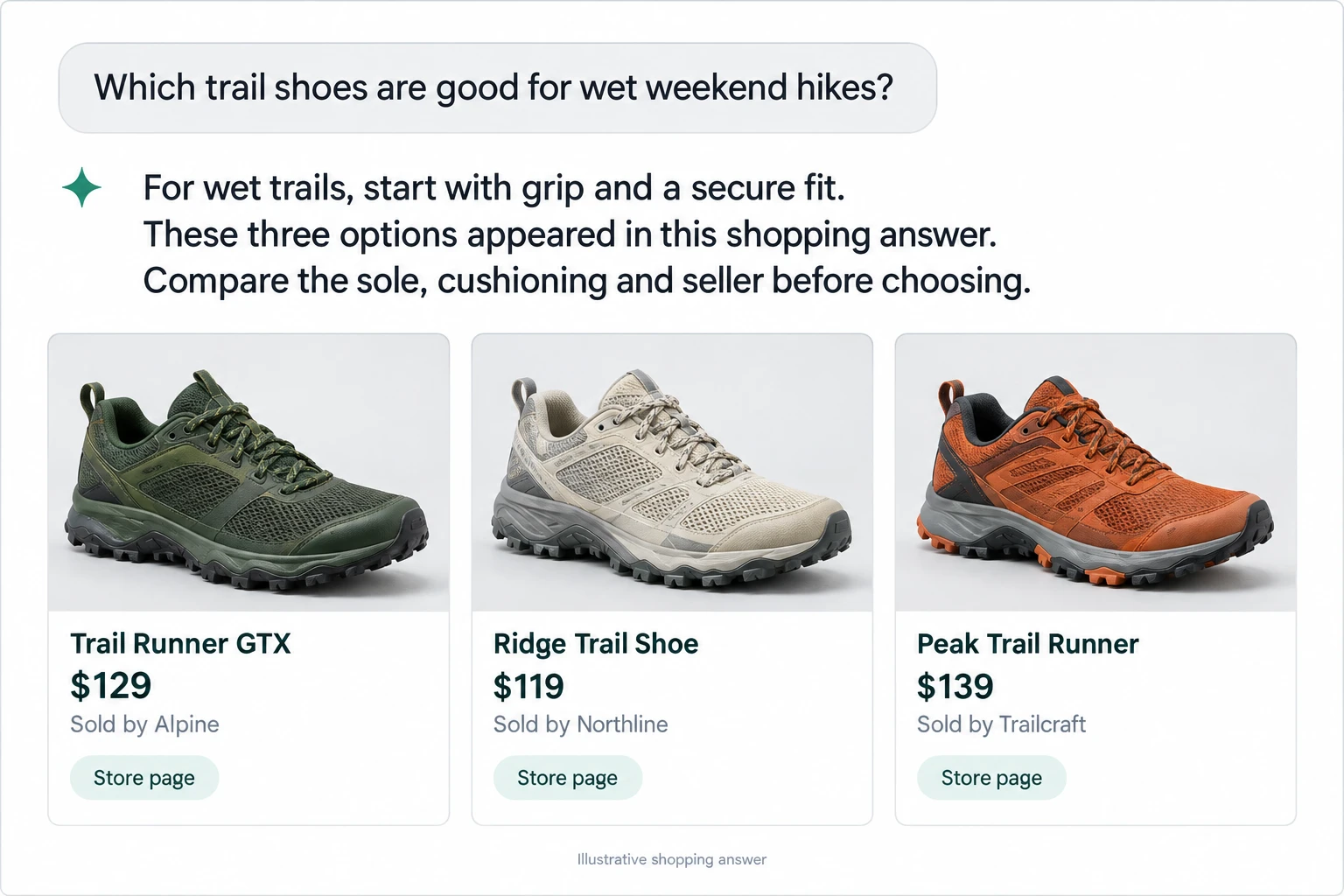
Inside a ChatGPT shopping answer
Your catalog. Your questions. A clearer next move.
Follow a product from recommendation to answer evidence to a specific improvement. Each view helps you answer a different business question.
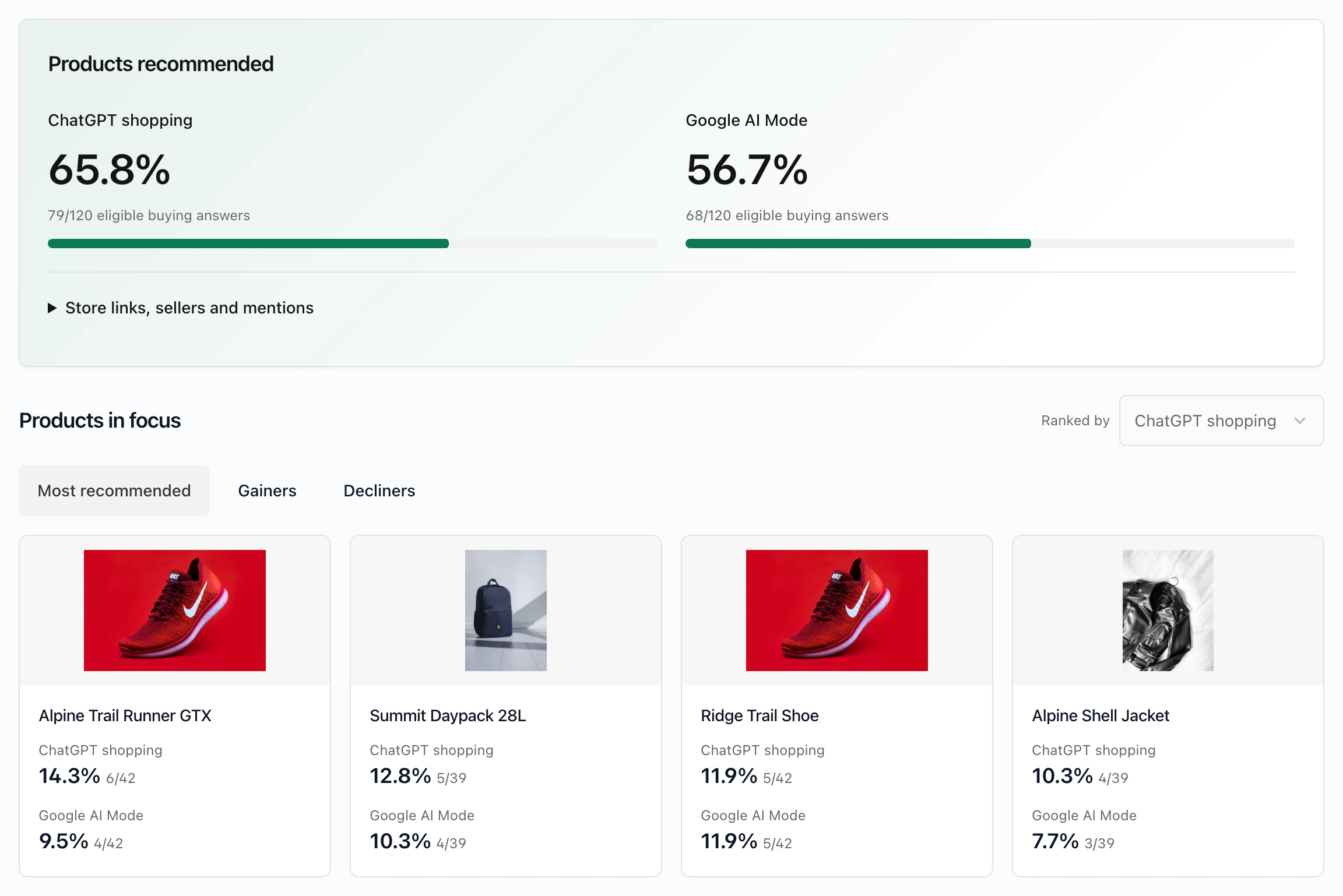
Which of my products make the shortlist?
Choose the products that matter to your store. See recommendation visibility for ChatGPT shopping and Google AI Mode side by side, then open a product to inspect its trend and supporting answers.
Prioritize the products that need a closer look.
 PatagoniaYour store14 tracked products Latest completed run
 Google AI Mode
Competitors
Who appears alongside my products or instead of them?
Explore the merchants and products captured in the same shopping answers. Open a merchant to see its observed products, or start from one of your own products to investigate alternatives and possible matches.
Start with the products you care about.
- 01
Bring in your storefront pages
Discover public product and category pages, or import their URLs. Review the catalog and choose what to track.
- 02
Shape your buying questions
Assign products to categories, review suggested questions and add your own. Approve facts explicitly before using them to assess claims.
- 03
Monitor, investigate, improve
Review results by platform, inspect the answers and use Improvements to guide page changes and verification.
Is AI describing my products correctly?
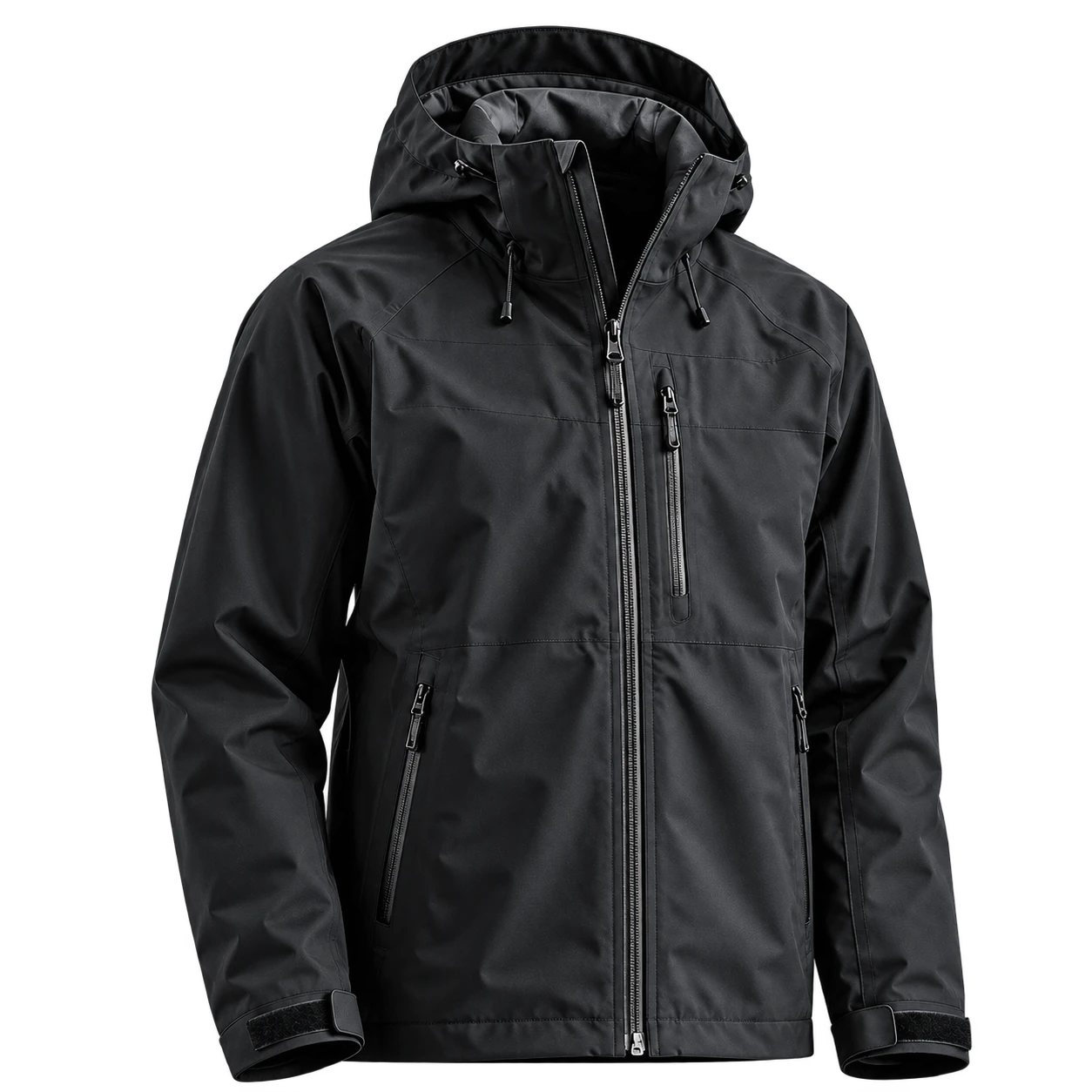
Review the claim. Read the evidence.
What should my team work on next?
Know what
to improve.
- 01Find the issue
Missing product identifiers
- 02Follow page guidance
Review what to change
- 03Recheck the page
Confirm the fix
From finding to verified fix.
A few things worth knowing.
Know what AI says about your store.
See the products, questions and evidence your team needs to make its next ecommerce decision.
Talk to us about Products